Organization timezone
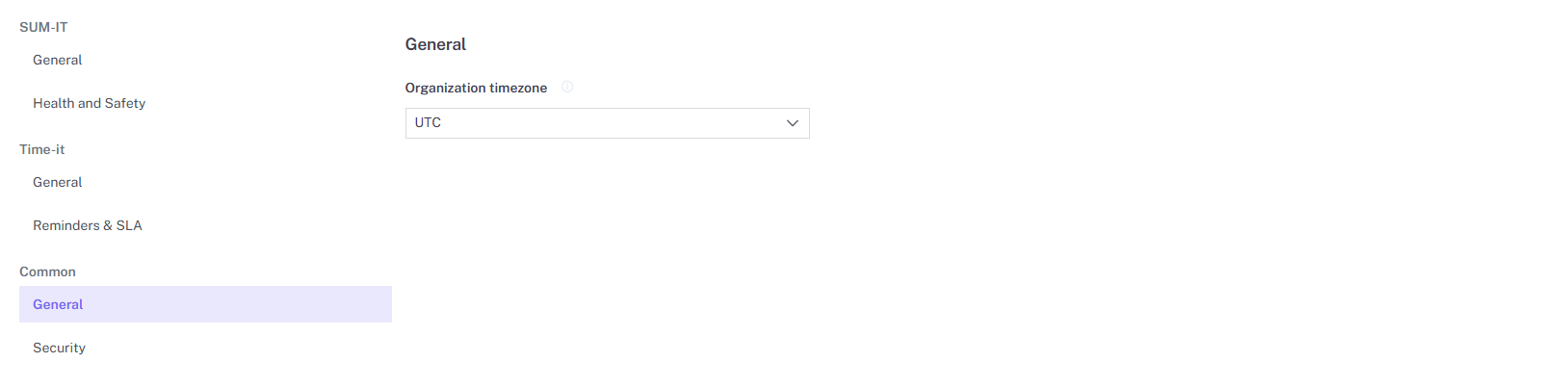
The organization timezone decides when a day starts and ends for everyone in your company in Time-it, SUM-IT, and Administration. For example, with Europe/Warsaw, a day runs from midnight to midnight Warsaw time. In Administration, open Settings → System in the left menu. Then, under Common, choose General.
What it affects
The organization timezone sets:
- Which day an entry belongs to on Timesheet, and which days the Approvals filters and Status Date use
- The clock for Submitted Date and approval history
- The times for quiet hours, approval reminders, and the daily digest, and how days are counted for late approvals
- The time zone shown next to each Time-it project (you cannot change it per project)
SUM-IT projects can still show their own project time zone next to the project name on Timesheet and List View. That is separate from this organization setting.
The notification bell in Time-it, Administration, and SUM-IT uses this timezone as well.
Personal date and time formats only change how values look. They do not replace this timezone.
Who can change it
You need Administration settings edit permission. If you cannot change the field, ask an organization administrator.