Project dashboard
The project dashboard holds the tasks and members of one Time-it project. You open it with the chart icon on the project's row in Projects. It has two tabs: Tasks (what people can book) and Members (who belongs to the project, and whether the project is open to everyone).
Click the pencil icon next to the project name to change its name, code, description, or colour.

Tasks
The Tasks tab lists the tasks for this Time-it project. People pick these tasks in Log Time when they book this project.
- Click Add Task to create a task.
- Click a task's name (or its row) to rename it, or click the bin icon to remove it.
Members
The Members tab lists the people who belong to this Time-it project. Membership is what lets them log time on the project's tasks (together with their timesheet permissions).
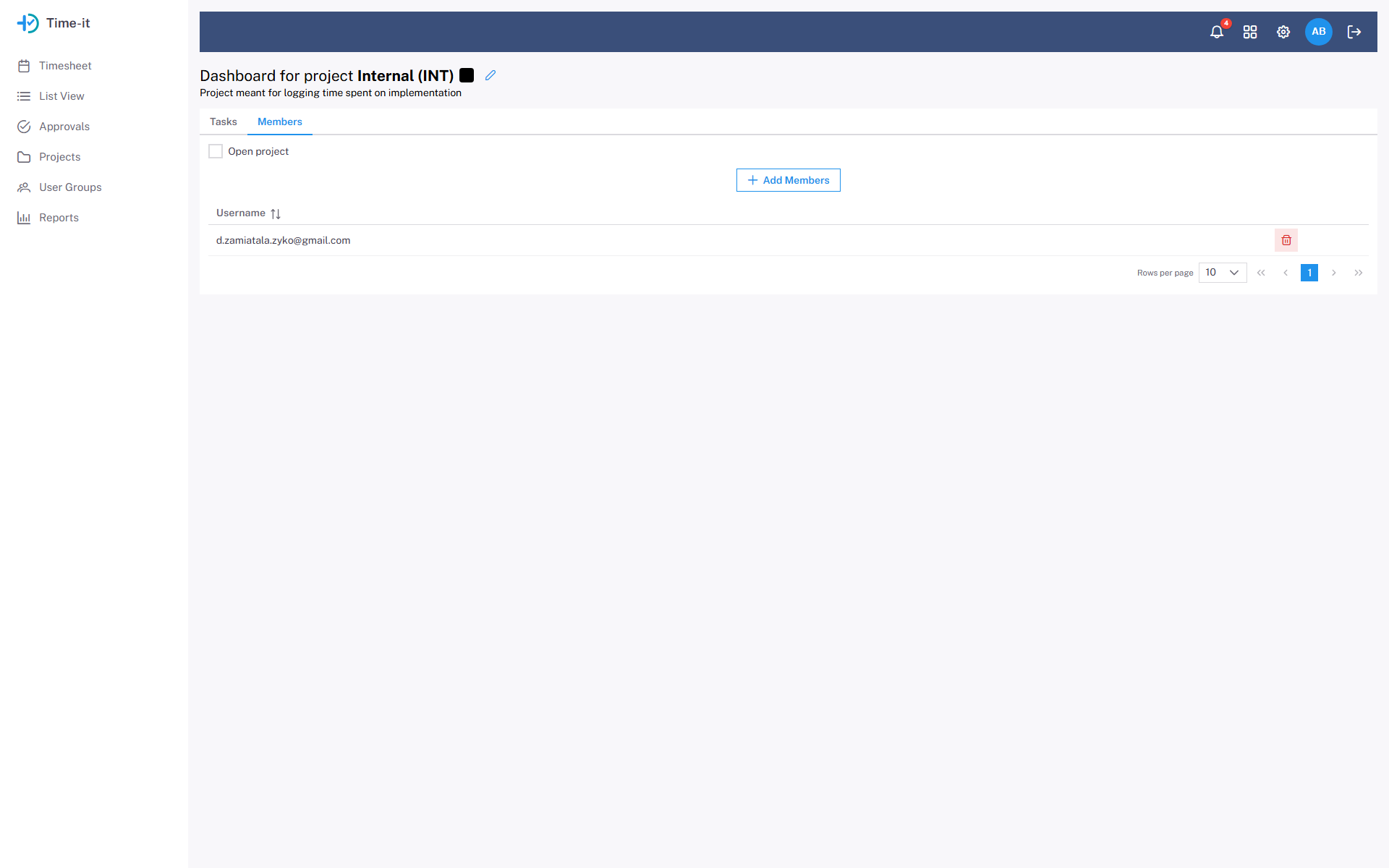
- Tick Open project when any user in the organization should be allowed to register time against this project, without being listed as a member.
- Click Add Members to add people.
- Click the bin icon on a person's row to remove them (unless Open project still allows everyone).
Being a project member lets someone log time on the project. It does not let them see or approve other people's time. That is set in User Groups. See Who sees what.